How to Deploy a Next.js Project with 100% Free Hosting & Database?
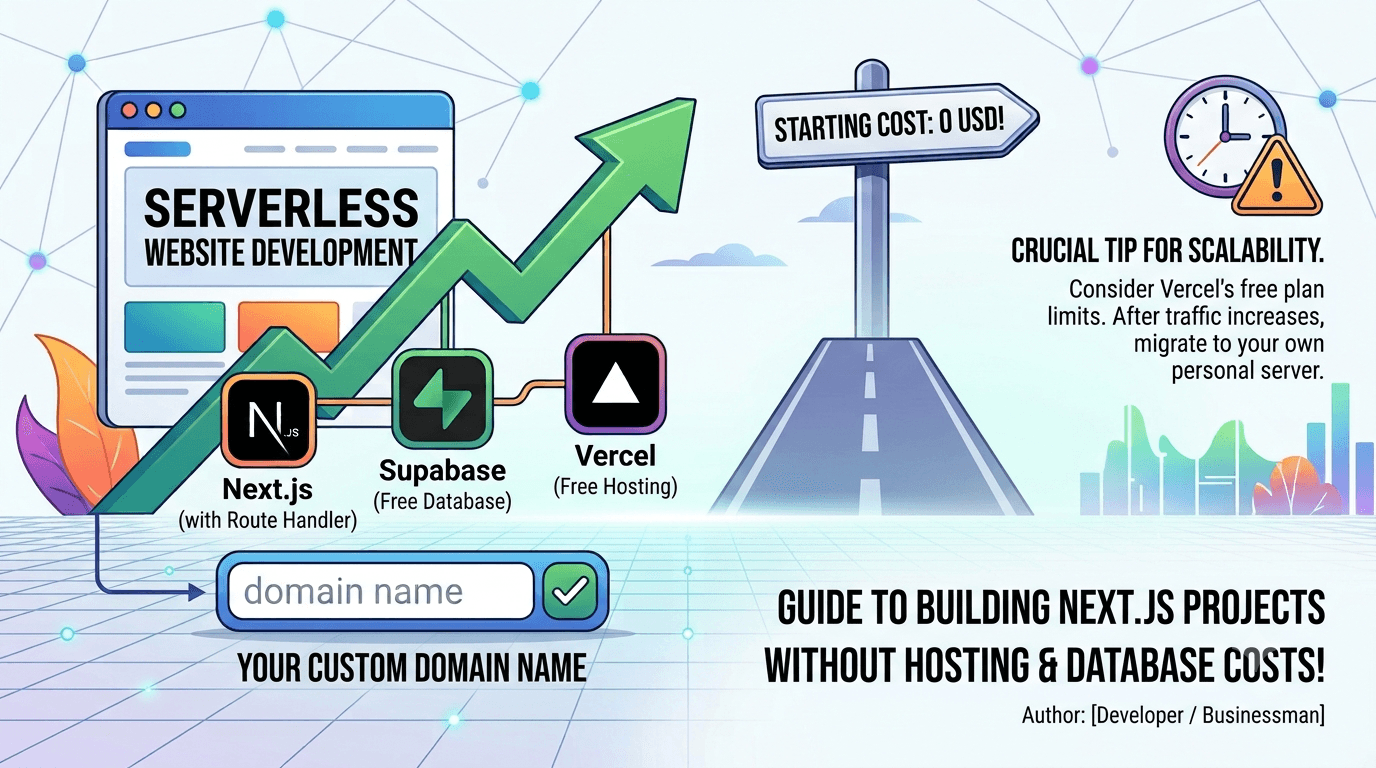
Next.js with Route Handlers), there is no need to carry heavy hosting and database expenses right from the start.
Here is a golden, completely free tech stack combination to get you up and running:
1️⃣ Database: Use Supabase (an excellent, free-tier alternative to PostgreSQL that is incredibly quick to set up).
2️⃣ Hosting & Deployment: Connect your project to Vercel (the ultimate platform for Next.js projects with outstanding out-of-the-box performance).
3️⃣ Custom Domain: To keep your project looking professional and avoid using the default vercel.app subdomain, purchase a custom domain (like .com, .io, or any other extension), add it to your Vercel dashboard, and configure the DNS settings.
Congratulations! Within 24 hours (once the DNS propagates), your website will be live with your own custom domain, free hosting, and a free database.
💡 Where does this strategy shine? This approach is perfect for early-stage validation, building MVPs, and handling low-traffic projects where request counts are minimal. It allows you to showcase a highly professional production environment without spending a dime.
⚠️ One critical caveat to keep in mind: Vercel's hobby (free) plan comes with specific monthly limits regarding bandwidth and serverless function execution. If your business takes off and requests spike, your website could be temporarily suspended until the next billing cycle. Therefore, as soon as your traffic starts growing significantly, you should plan to migrate to a dedicated server or VPS.
What is your go-to stack for keeping infrastructure costs at zero when launching a new project? Let me know in the comments below! 👇