How to Put Your Local WordPress Site Online in 3 Minutes (Perfect for Client Demos)
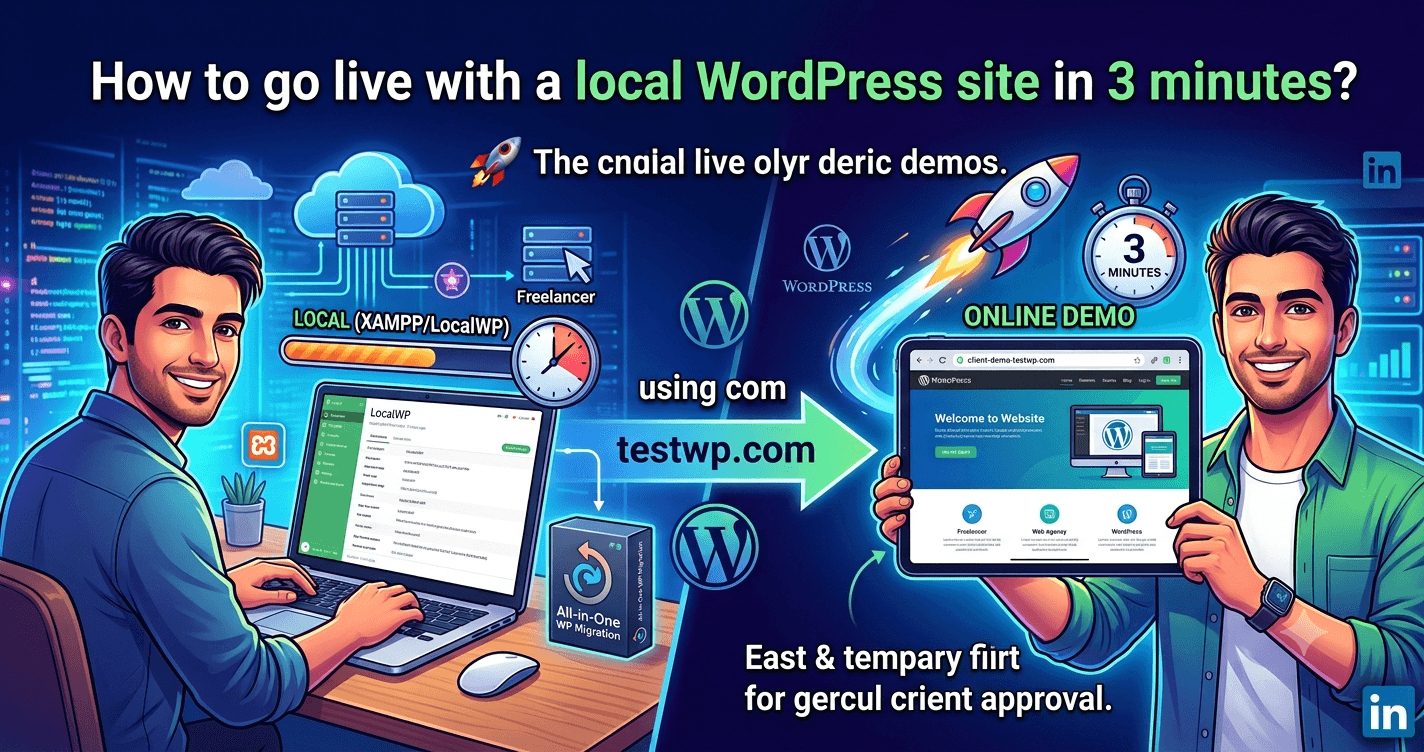
We’ve all been there: spending hours building a WordPress site on a local server (like XAMPP or LocalWP), and now it’s time to show the progress to the client.
🛑 The Challenge: Exporting the site, uploading it to a staging host, configuring the database, and fixing URLs takes way too much time. Setting up ngrok or similar tunneling services comes with its own set of headaches.
✅ The Quick Solution: Using testwp.com I’ve been using an incredibly fast method lately, and I want to share it with you:
Install a Migration Plugin: Install a plugin like "All-in-One WP Migration" on your local site and export a full backup.
Go to testwp.com: Visit the website (this platform provides you with a free, temporary staging host, usually valid for about a week).
Create a New Site: With just one click, spin up a fresh WordPress installation on testwp and log into its admin dashboard.
Import Your Backup: Install the exact same migration plugin on your new live WordPress site and import the file you exported from your local setup.
✨ That’s it! You now have a live, working URL (like my-demo.testwp.com) that you can send directly to your client to review the project. This link is automatically deleted after a limited time, meaning absolutely no cleanup is required on your end.
This method works like magic for freelancers and web agencies who need rapid project approvals. 💥